Introduction
What Aarsleff Translator does and how to get around the app.
The Aarsleff Technology Translator helps you find the right word for a construction term in another language. Pick the language you're translating from, search for the term, and the app shows you the equivalent in every other supported language alongside a picture and description to confirm you've got the right one.
Supported languages
- UK — English
- DK — Danish
- SE — Swedish
- DE — German
- PL — Polish
Translating a term
1. Pick your input language
Open the Input Language dropdown and choose the language of the word you already have.
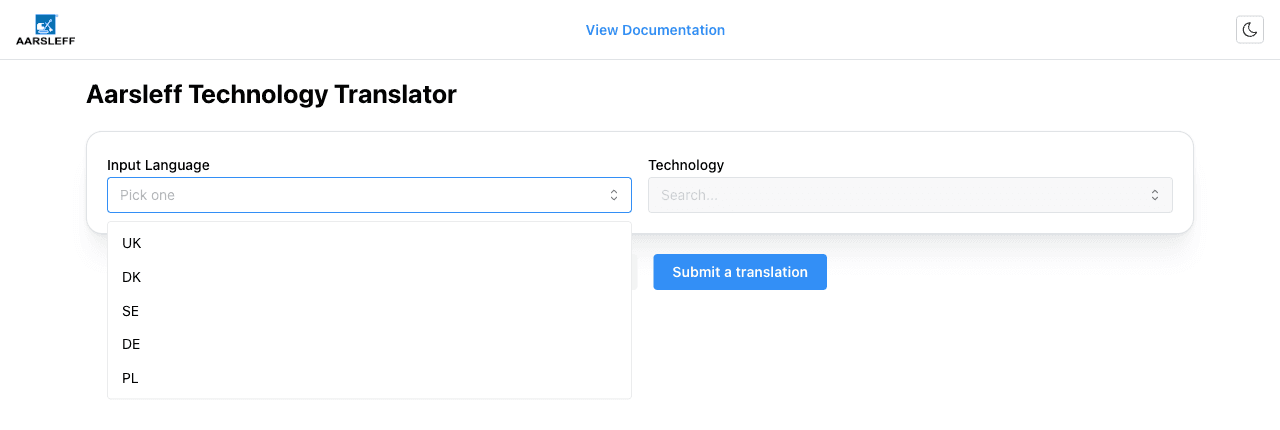
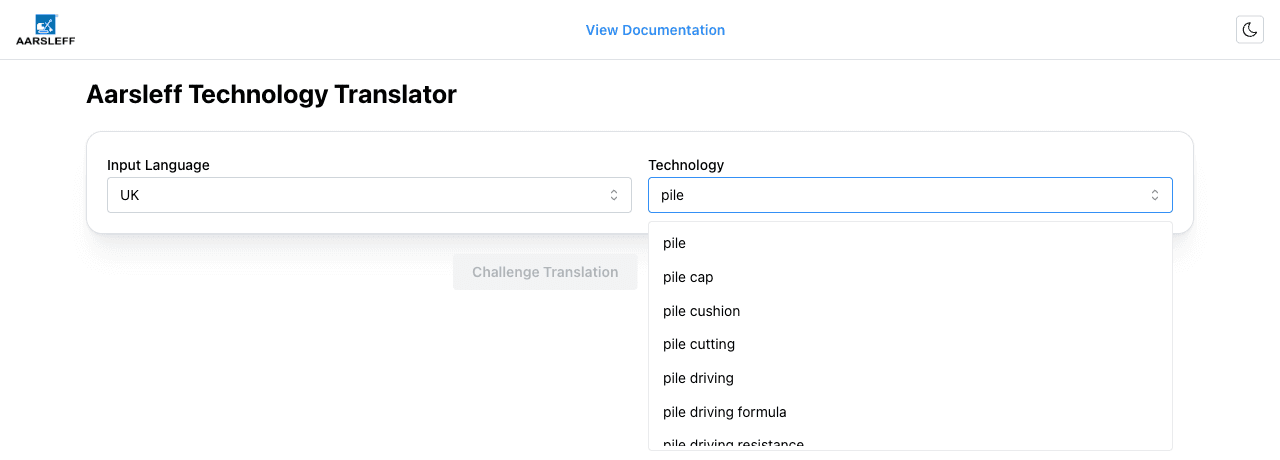
2. Search for the technology
Once a language is selected, the Technology field becomes active. Start typing and matching terms appear as you type — you don't need to spell the whole word.
3. Read the translation
Pick a term from the list and a card appears showing:
- The translation in every other supported language
- A reference image to help confirm it's the right term
- A short description, where one is available
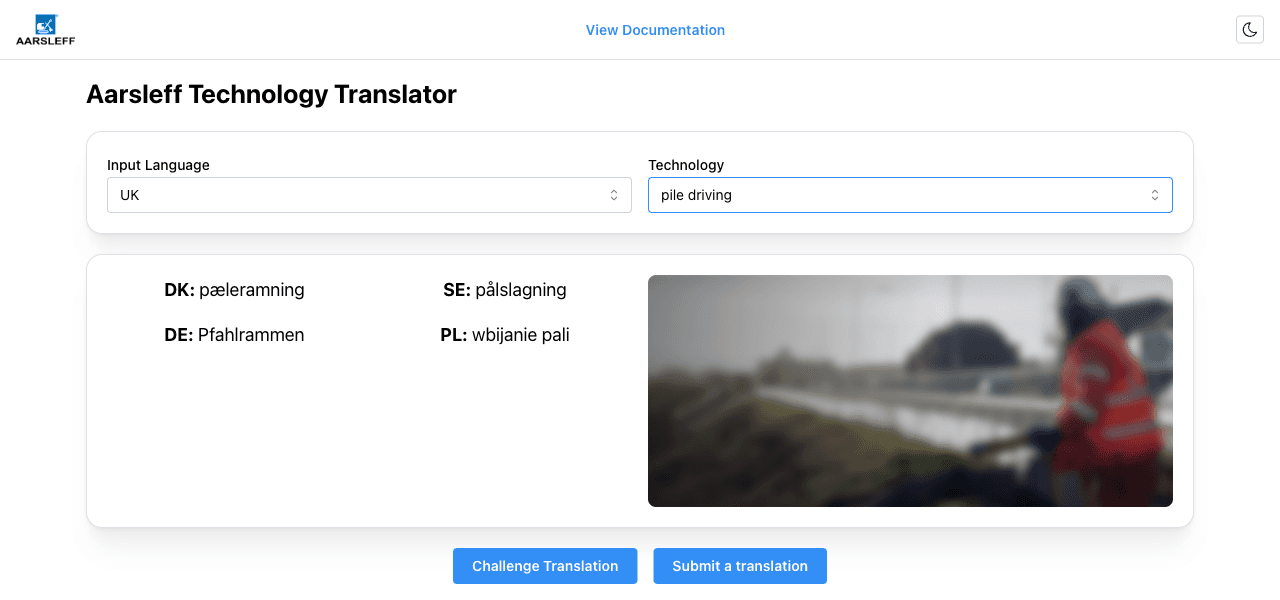
Change the Input Language or Technology fields at any time to look up another term — the result updates automatically.
Reporting an issue or missing term
Below the result card are two buttons for getting in touch with the Aarsleff developers by email:
- Challenge Translation — if a translation on screen looks wrong, use this to send the team the current entry so it can be corrected. The email is pre-filled with the term you were looking at.
- Submit a translation — if a technology term you need isn't in the translator yet, use this to send the team a blank template to fill in and submit.
Dark mode
Use the sun/moon icon in the top-right corner of the header to switch between light and dark themes. Your preference is remembered on your device.